
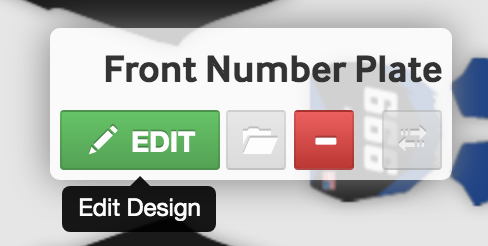
1. Select the shape you wish to edit:
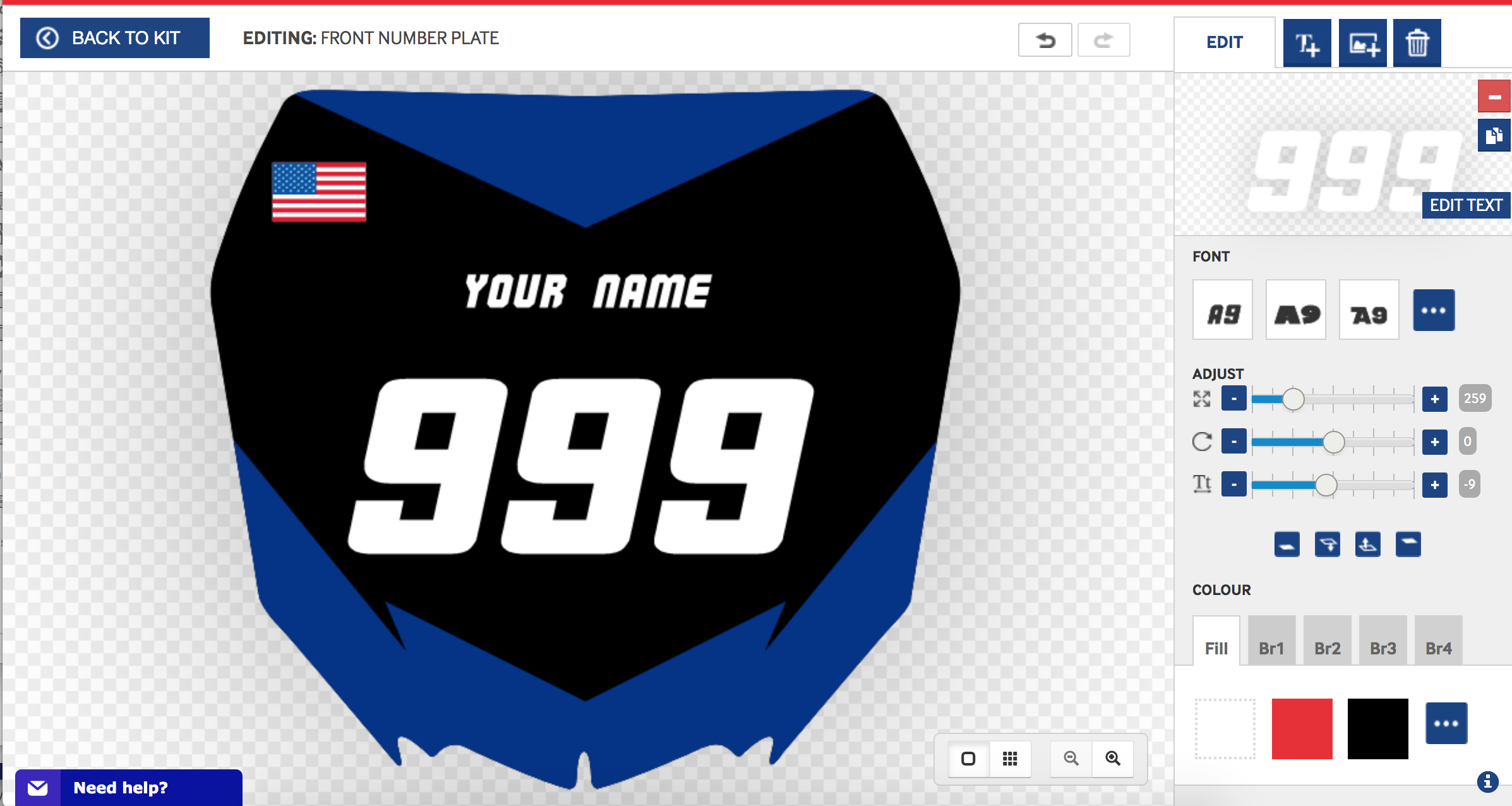
2. Select the number or text to edit:
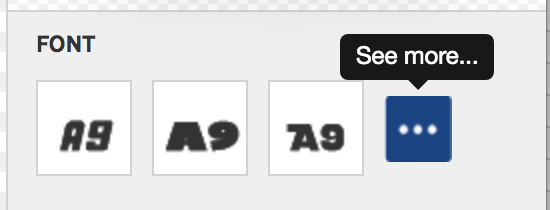
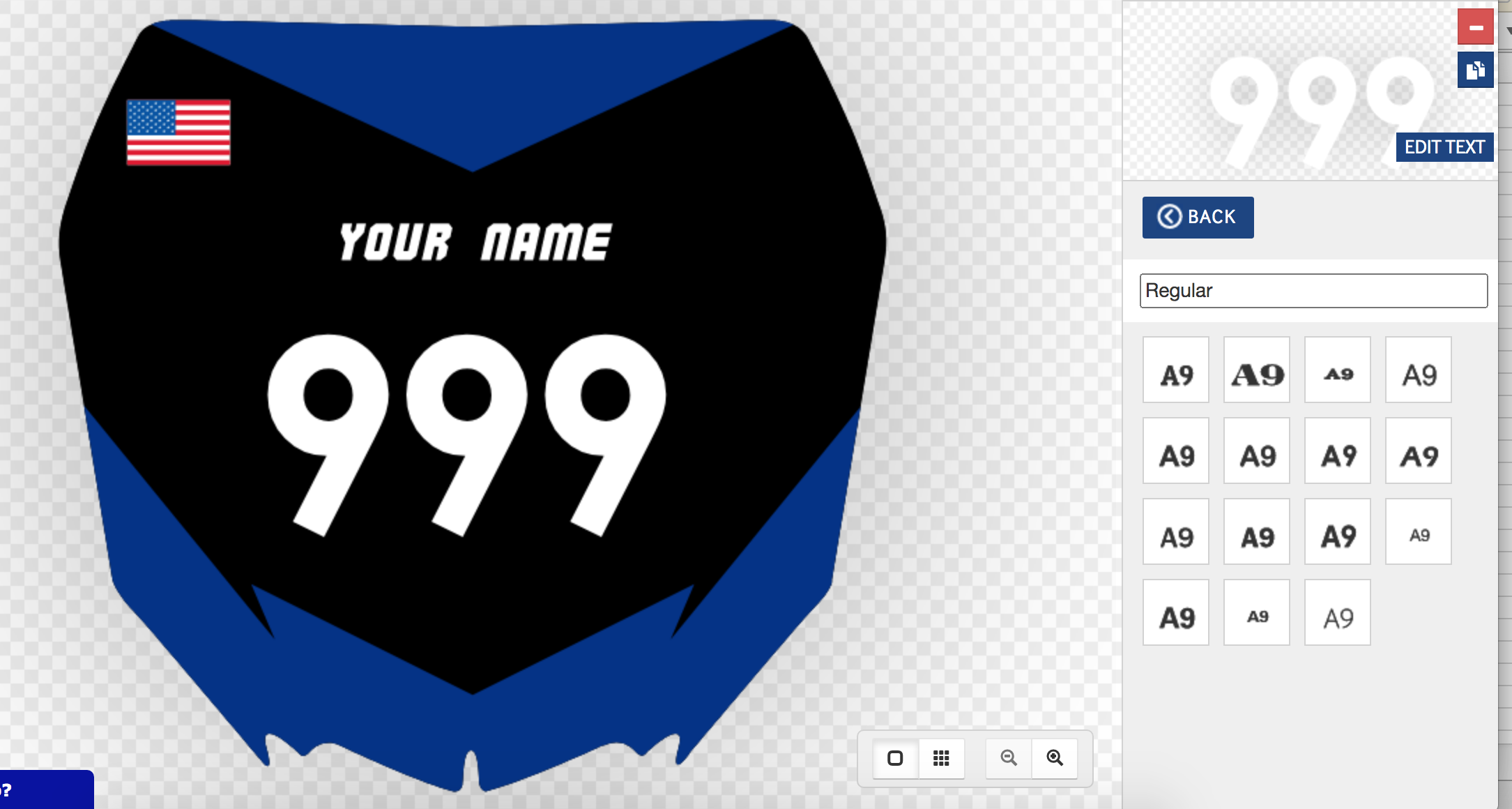
3. At the FONT panel, select a font or click the three white dots to see more:
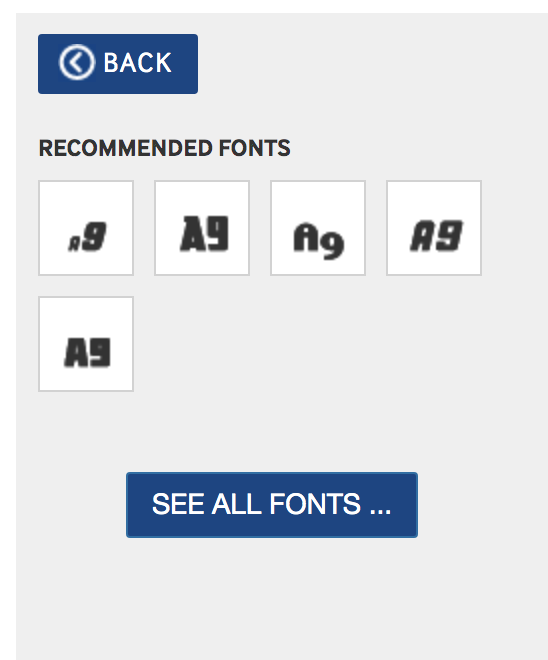
4. Select a recommended font or view all fonts:
5. Search for a font example: regular and click to see the font/text to update:
Please contact info@motocal.com for more help.
Comments
0 comments
Article is closed for comments.