
This is very easy. Just follow the below steps:
1. Select your vehicle and build it. You're presented with this view:
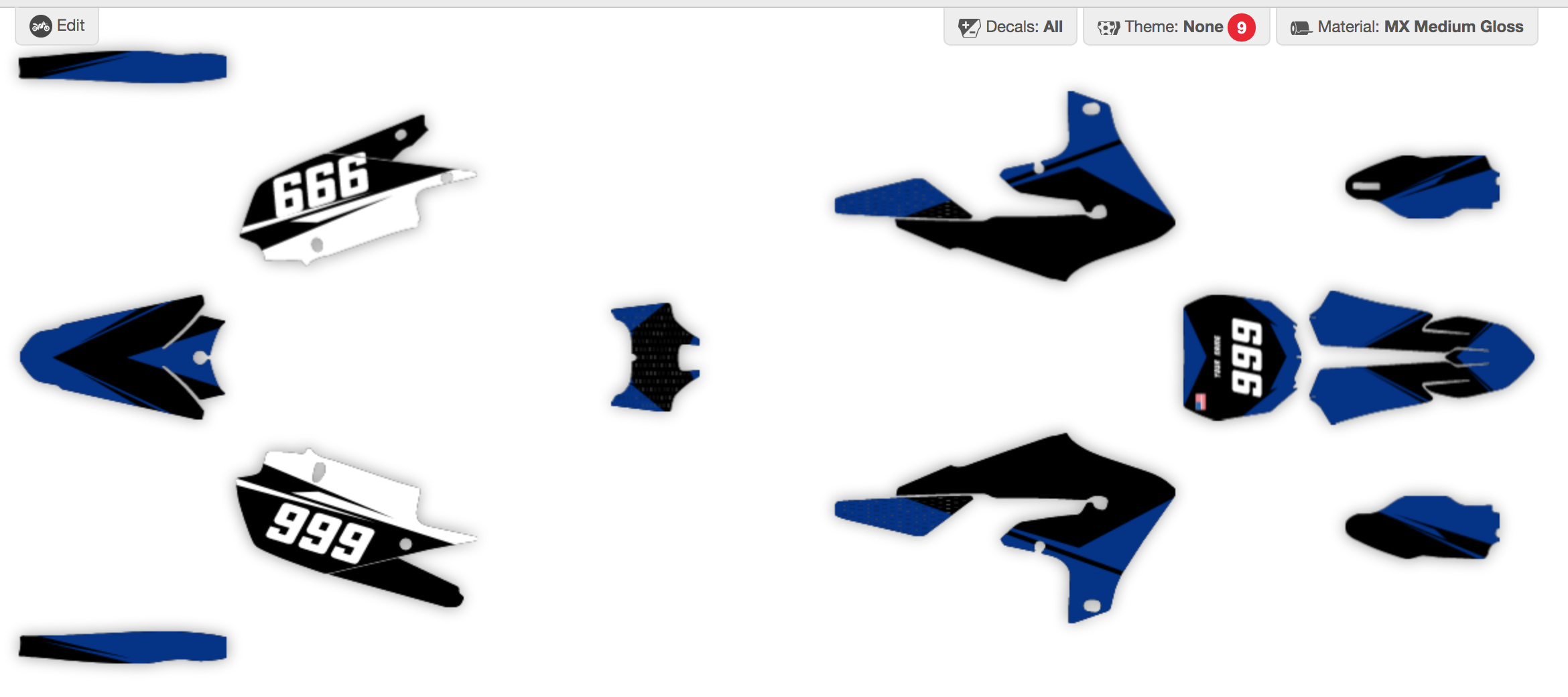
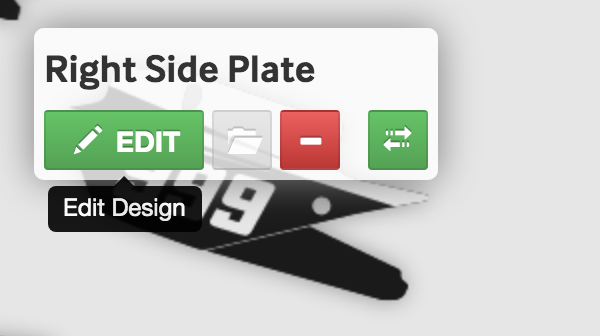
2. Select a shape to edit:
3. Select a feature you want to change the colour of: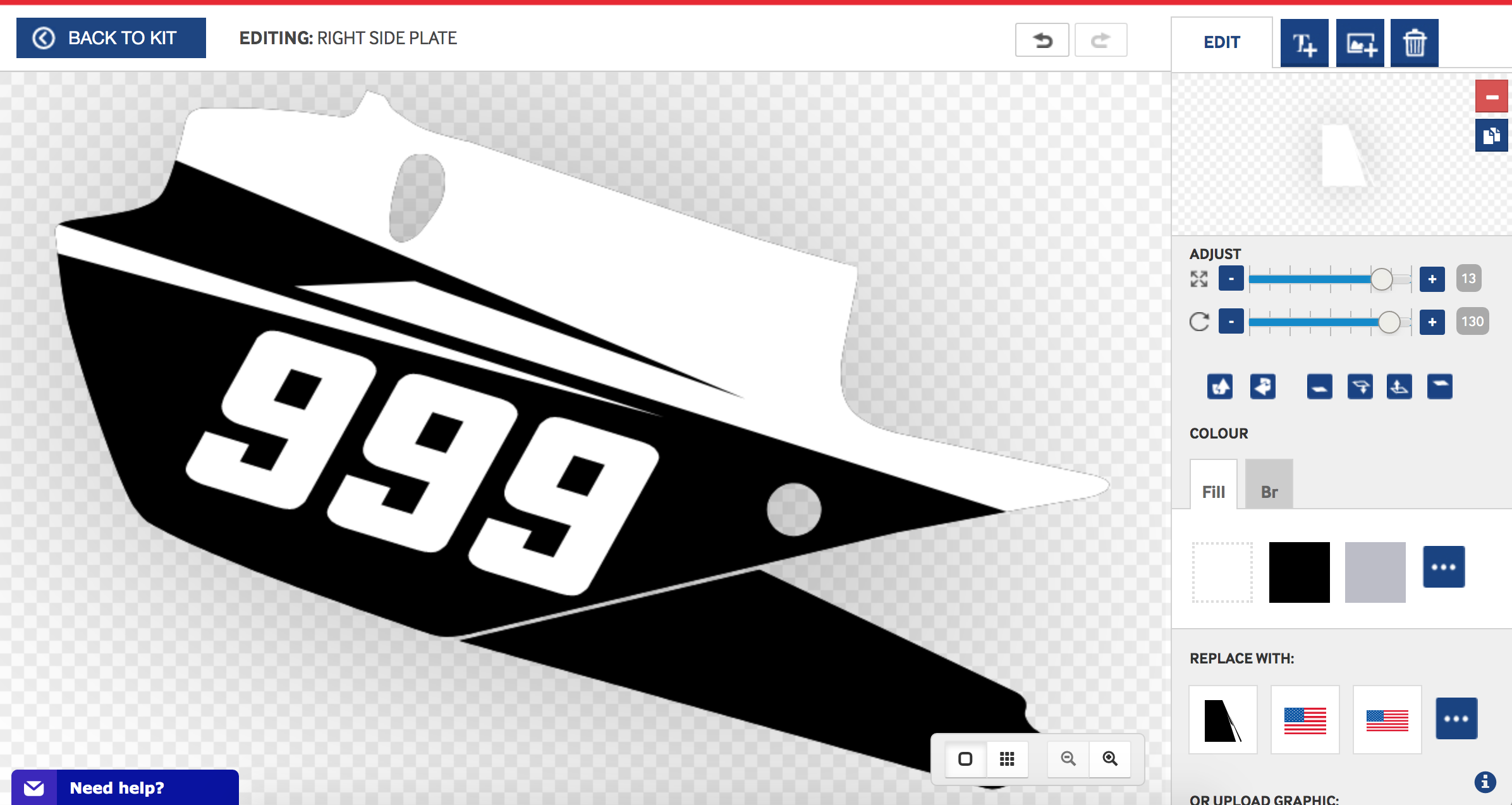
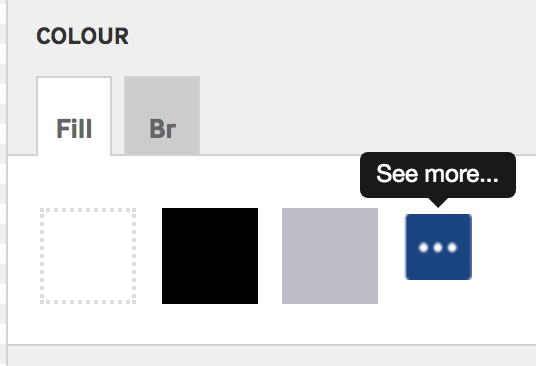
4. Click the 3 white dots in the COLOUR panel to see more colours:
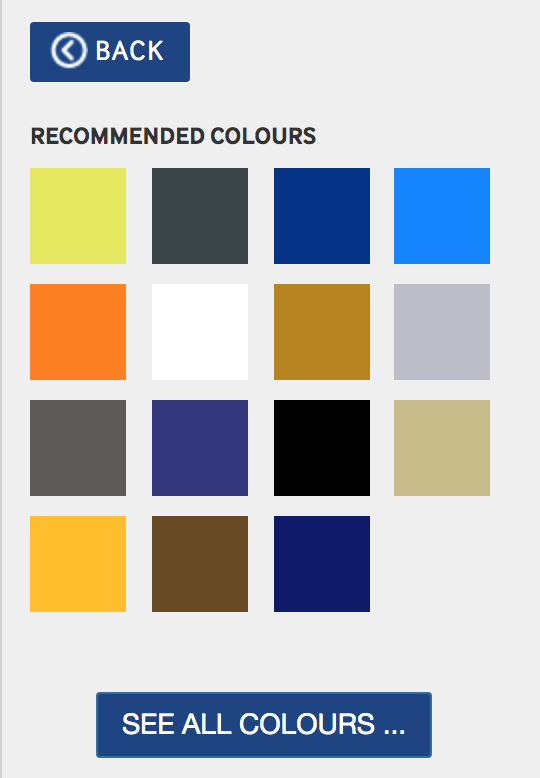
5. You're presented with recommended colours or you can click SEE ALL COLOURS:
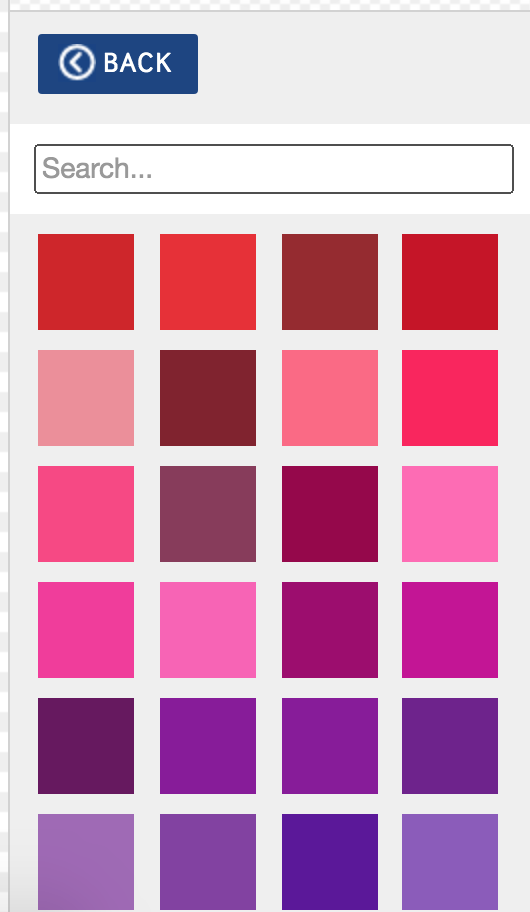
6. You can scroll all the colours or search for a colour:
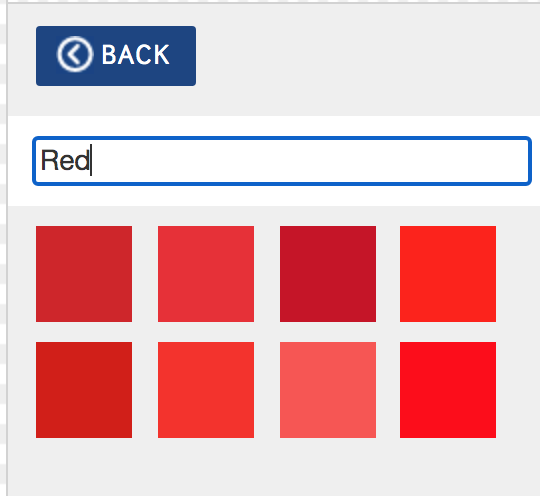
7. Search for Red and click a red colour to see what it looks like:
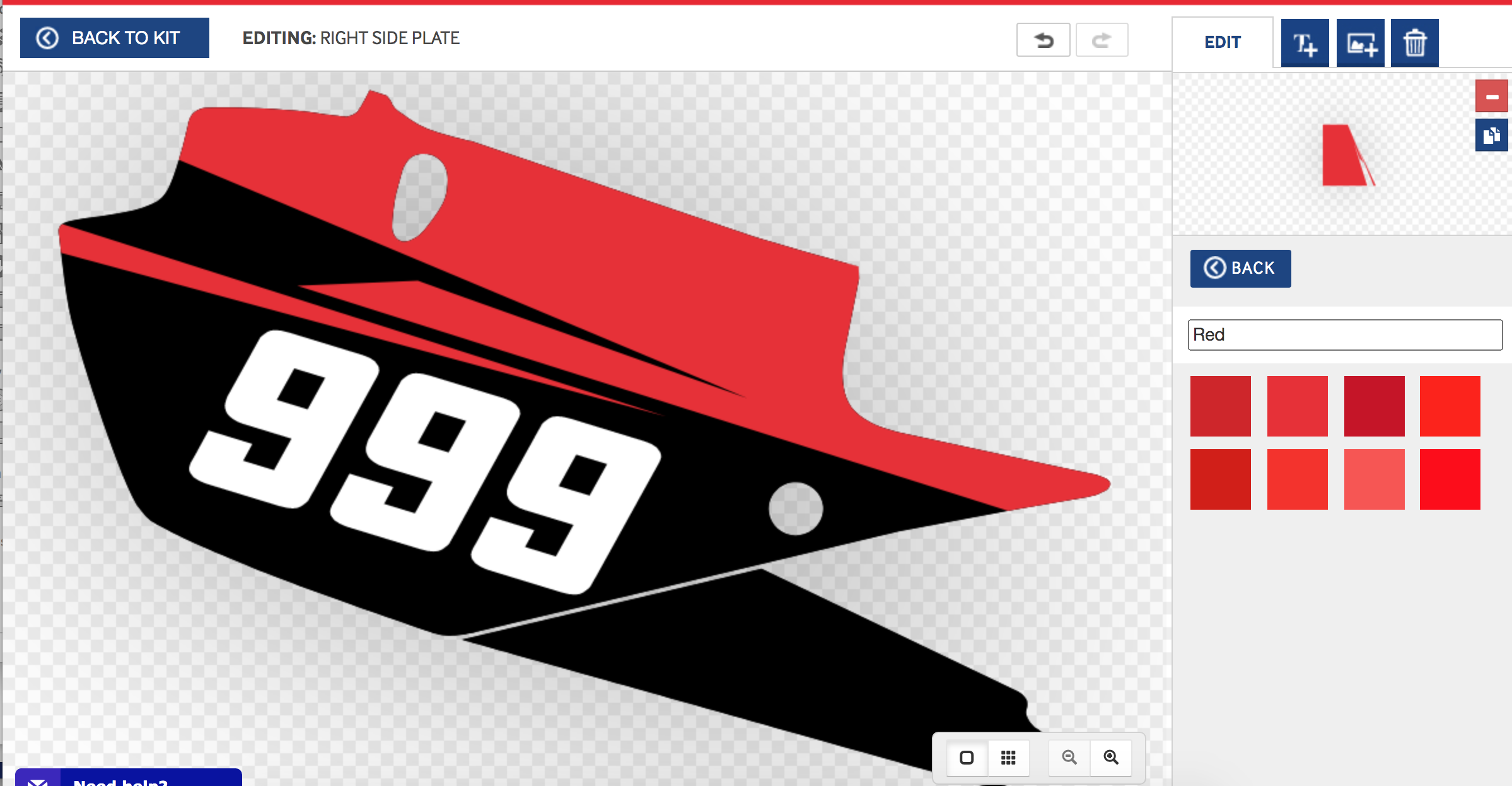
8. The feature will update:
For any more queries, send us an email info@motocal.com for more.
Comments
0 comments
Article is closed for comments.